
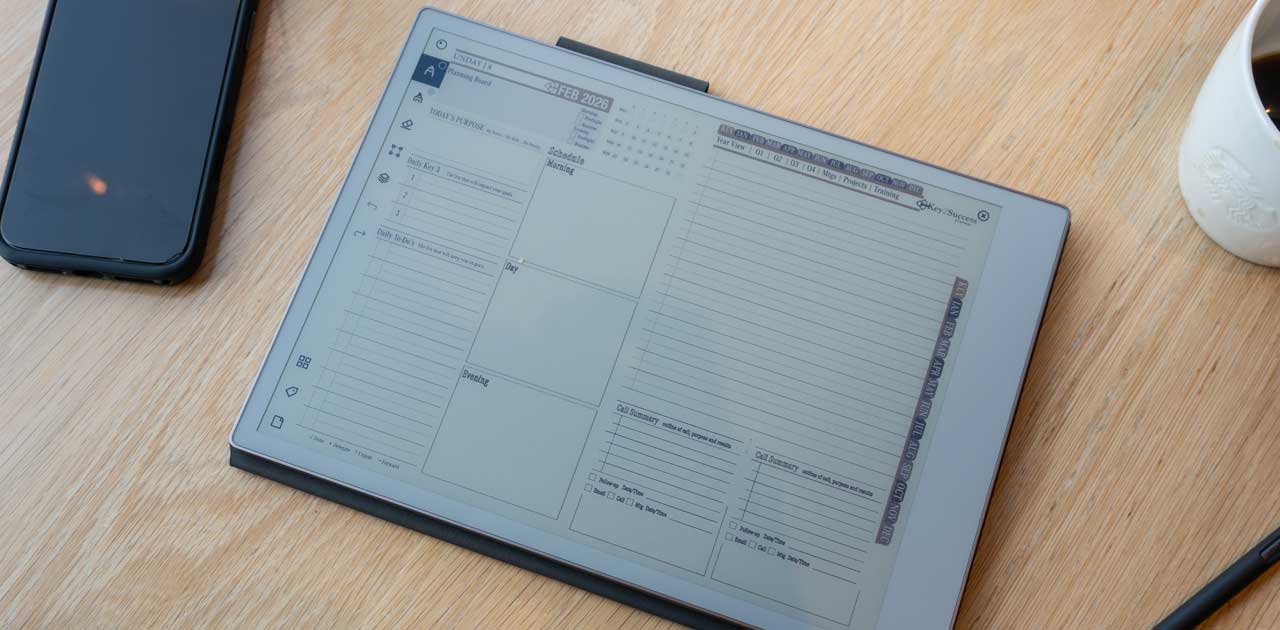
reMarkable 3: What Beginners Should Know About the Next-Generation Paper Tablet
If you have been searching for reMarkable 3, you are probably interested in the future of digital note-taking. The reMarkable name has become popular because its tablets try to give users something that ordinary tablets often do not: a quiet, paper-like place to write, read, sketch, and organize ideas.
There is one important detail to understand first. As of August 2026, reMarkable has not officially announced a product called reMarkable 3. The company currently promotes several paper tablets, including the reMarkable Paper Pro and Paper Pro Move, while Paper Pure is also part of its newer lineup. That means anyone discussing a future model should separate confirmed information from speculation.
For beginners, this is actually useful. Instead of worrying about rumors, you can understand what makes reMarkable devices different, what features matter, and what you should look for if you eventually decide to upgrade.
What Is reMarkable 3?
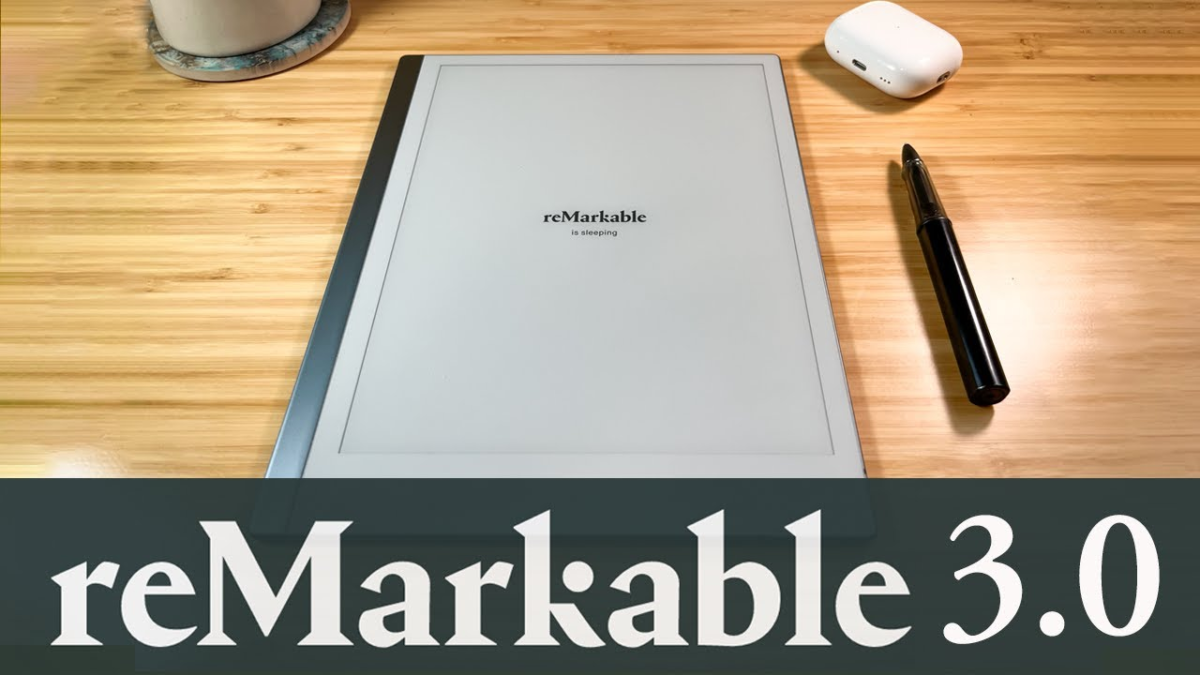
The name reMarkable 3 is commonly used by people expecting the next major generation of the reMarkable tablet family. However, there is currently no official reMarkable 3 specification sheet or confirmed launch announcement from the company.
The existing devices are designed around a simple idea: digital paper should feel more like paper. You can write with a Marker, create notebooks, annotate documents, organize pages, and move your notes between supported devices and apps.
The Paper Pro, for example, has an 11.8-inch color display, adjustable reading light, handwriting-to-text conversion, folders, tags, search, and support for PDF and EPUB documents.
For a beginner, the biggest lesson is simple: do not buy a device based only on a rumored future model. Look at the features available today and decide whether they solve your actual problems.
Why Does the reMarkable Experience Matter?
Traditional tablets are powerful, but that power can sometimes become a distraction. Notifications, social media, games, email, and dozens of apps can pull your attention away from the task in front of you.
reMarkable takes a different approach. Its operating system is built specifically around focused writing, reading, organization, and document work. The company describes this as a distraction-free environment.
Imagine sitting down to study. Instead of opening a tablet and seeing messages or entertainment apps, you open a notebook and start writing. That simplicity can be useful for students, writers, researchers, teachers, designers, and professionals.
A good beginner tip is to start with one clear purpose. Use the tablet for class notes, meeting notes, planning, reading, or sketching before trying to build a complicated productivity system.
Writing and Note-Taking
Writing is the heart of the reMarkable experience. The display is designed to provide friction similar to paper, while the Marker lets you write directly on the screen.
You can create notebooks and use different writing tools and templates. Digital editing also gives you options that ordinary paper cannot provide. You can undo a mistake, move handwritten content, copy sections, and reorganize your work.
The Paper Pro goes further with color writing and annotation. It has a Canvas Color display and supports multiple colors, making it useful for highlighting ideas, marking documents, or creating visual notes.
If you are new to digital handwriting, do not try to make every page perfect. Write naturally first. Learn the editing and organization tools later.
Reading and Working With Documents
A paper tablet can be particularly useful if your work involves PDFs. Instead of printing a document, you can import it and write directly on the pages.
Students can annotate lecture material. Professionals can review reports. Researchers can mark papers. Writers can read drafts and make handwritten comments.
The Paper Pro supports PDF and EPUB importing and can export documents in formats including PDF, PNG, and SVG.
A practical beginner habit is to create separate folders for different parts of your life. For example, you could have folders for work, personal projects, reading, and study. This makes finding documents much easier later.
Comparing the Current Generation With Older Models
| Area | Older reMarkable 2 | Current Paper Pro | Future reMarkable 3 |
|---|---|---|---|
| Display | Monochrome | Color | Not officially confirmed |
| Reading light | No | Adjustable | Not confirmed |
| Handwriting | Paper-like | Paper-like | Not confirmed |
| PDF support | Yes | Yes | Expected, but unconfirmed |
| Handwriting conversion | Available through software features | Available | Not confirmed |
| Official status | Available | Available | Not announced |
The table shows why it is important to avoid treating online predictions as specifications. The current Paper Pro already provides several improvements over older hardware, including color and an adjustable reading light.
Advanced Guidance for Serious Users
Once you understand the basics, you can turn a reMarkable tablet into a more organized professional workspace.
Start by creating a consistent folder system. Instead of putting everything into one large notebook, separate projects and subjects. Tags can also help you locate related information quickly.
Another useful feature is handwriting conversion. The Paper Pro can convert handwritten notes into typed text, which can save time when you need to turn handwritten ideas into a document.
Professionals can also use the desktop and mobile applications to keep notes available across devices. The company provides apps for major platforms, along with browser and Microsoft Office extensions.
A good advanced habit is to review your notes regularly. Digital storage is useful only when you can actually find and use what you have written.
Common Beginner Problems
One common mistake is treating a reMarkable tablet exactly like an iPad or Android tablet. That can lead to disappointment because the purpose is different.
Another mistake is creating too many folders and complicated systems. Organization should make your life easier, not become another project.
Some beginners also expect every handwritten note to become perfectly searchable or typed automatically. Handwriting conversion is useful, but handwriting quality and document conditions can affect results.
If something does not work as expected, first check that the software is updated and that the device is connected correctly. remarkable 3 also rolls out software updates gradually, so two users may not always receive an update at exactly the same time.
A Simple Beginner Action Plan
Start with one notebook.
Write your daily notes naturally for a few days.
Create folders for your main subjects or projects.
Import one PDF and practice highlighting and annotating it.
Try handwriting conversion when you have useful notes to turn into text.
Install the companion app on a device you already use.
Review your folders once a week and remove unnecessary clutter.
This approach is much easier than trying to learn every feature on the first day.
Why It Matters in 2026 and Beyond
Digital handwriting continues to occupy an interesting space between traditional notebooks and full-featured tablets. People still want the natural feeling of writing by hand, but they also want search, synchronization, document storage, and editing.
That is where remarkable 3 approach remains relevant. The company’s current Paper Pro combines a paper-like writing experience with digital tools such as handwriting conversion, search, cloud synchronization, and document management.
The future may bring faster hardware, improved handwriting recognition, better displays, stronger organization tools, or other features. But none of those should be treated as confirmed reMarkable 3 specifications until the company officially announces them.
For buyers, the smarter approach is to purchase based on today’s needs rather than tomorrow’s rumors.
FAQs
Is reMarkable 3 officially available?
No. As of August 2026,remarkable 3 has not officially announced a product called reMarkable 3.
What is the newest reMarkable tablet?
The company currently promotes several products, including the Paper Pro, Paper Pro Move, and Paper Pure.
Can reMarkable tablets convert handwriting to text?
Yes. Handwriting-to-text conversion is available on supported reMarkable devices and is powered by MyScript.
Can I read PDFs on a reMarkable tablet?
Yes. PDF importing and annotation are important parts of the platform.
Should I wait for reMarkable 3?
If you need a digital notebook now, make your decision based on officially available products. If you are comfortable waiting, you can monitor official announcements rather than relying on rumors.
Conclusion
The idea behind reMarkable 3 is exciting because many people want a next-generation digital notebook that keeps the simplicity of paper while adding useful technology.
But there is no reason to rush based on speculation. As of 2026, the official remarkable 3 lineup already offers impressive tools for writing, reading, organizing, and working with documents. The Paper Pro, in particular, adds color, an adjustable reading light, handwriting conversion, and other features designed for focused work.
For beginners, the best starting point is simple: decide what you want to write, organize your notes clearly, and learn the features gradually. If a future generation eventually arrives, you will already understand what matters to you—and that will make choosing an upgrade much easier.


